 2025-03-18 16:01:21
 826
826
Huion, a global leader in digital creativity tools, has consistently delivered innovative solutions for artists, designers, and professionals. The Huion Q630M exemplifies this commitment, blending cutting-edge technology with ergonomic design to cater to modern creative workflows. This guide explores every facet of the Q630M, from its sleek aesthetics to its professional-grade performance.
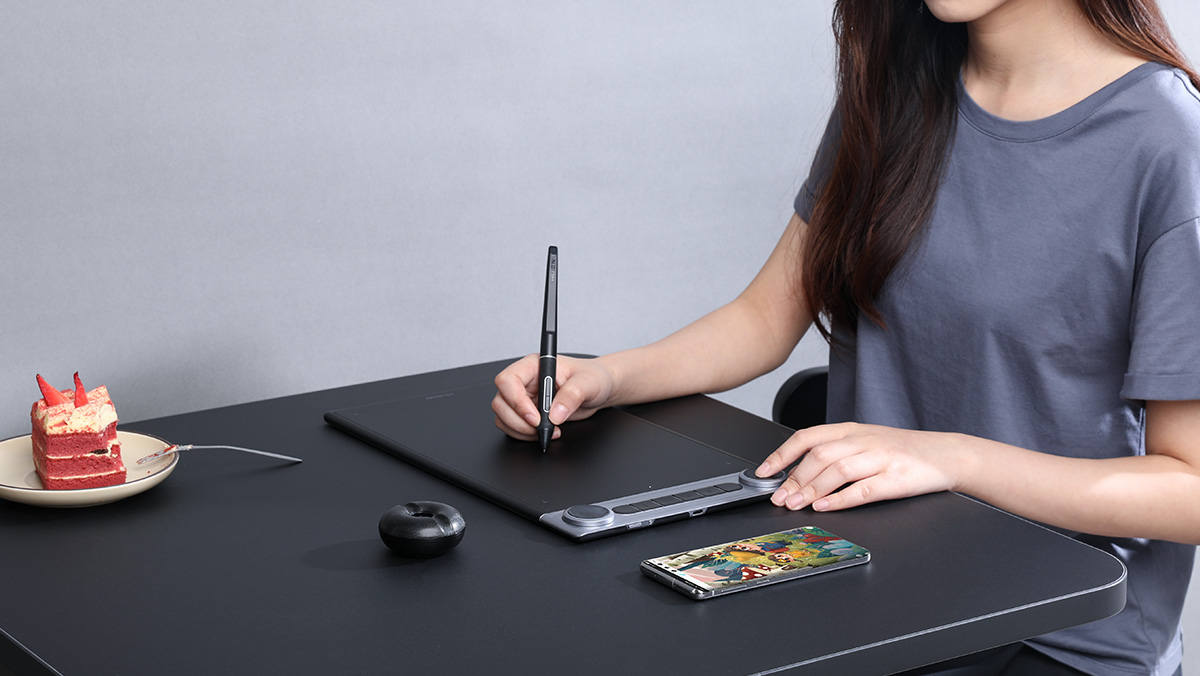
Sleek Profile: The Q630M features a slim, lightweight aluminum alloy body (8.5mm thickness) with a matte black finish, ensuring durability and resistance to fingerprints.
Bezel-less Active Area: A near-edgeless 10-inch drawing surface maximizes workspace while maintaining portability.
Customizable Express Keys: 8 programmable shortcut buttons and a touch-sensitive ring (compatible with gestures) are strategically placed for left- or right-handed users.
Anti-Fatigue Angle: A built-in 20° tilt stand provides natural hand positioning, reducing wrist strain during long sessions.
Textured Drawing Surface: A paper-like etched glass panel offers tactile feedback, mimicking traditional drawing while minimizing screen glare.
Modular Pen Holder: A magnetic pen dock integrated into the tablet’s edge securely stores the stylus and includes replaceable nibs.
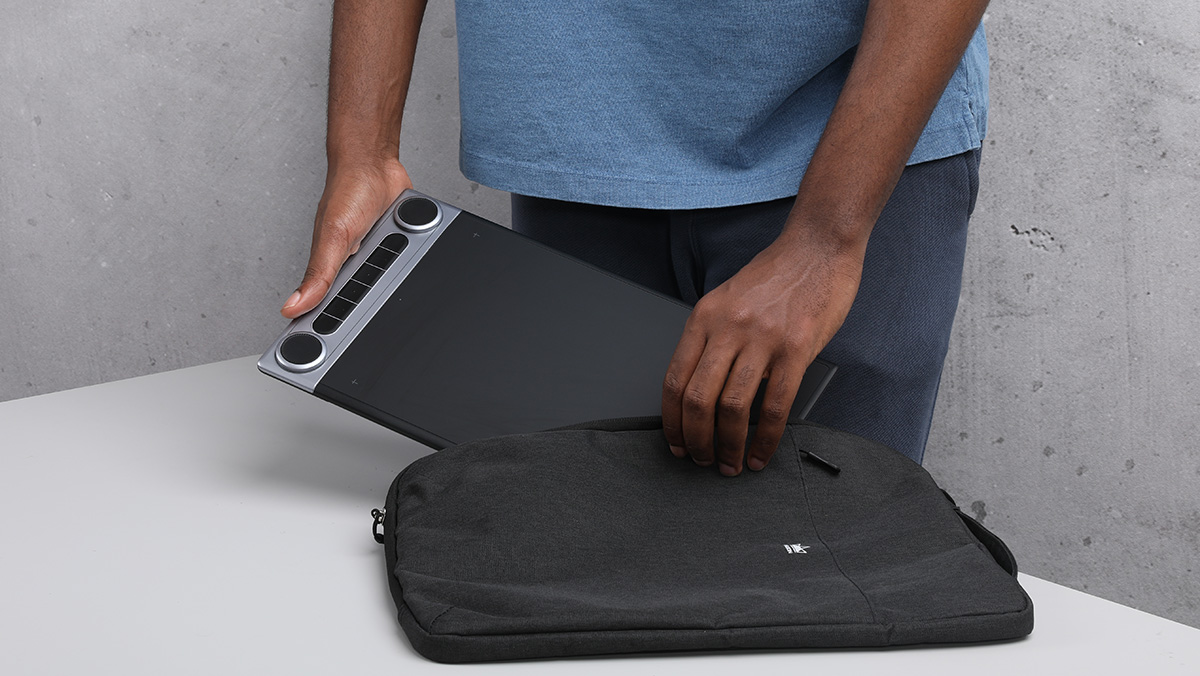
Weight: At 650g, it’s ideal for on-the-go creators.
Reinforced Ports: USB-C and wireless dongle slots are shielded to withstand frequent plugging/unplugging.
Digital Artists & Illustrators: Precision pressure sensitivity (8,192 levels) suits detailed line work and shading.
Graphic Designers: Shortcut customization streamlines Adobe Suite workflows.
Photographers: The tablet’s color accuracy (16.7 million colors) aids in photo retouching.
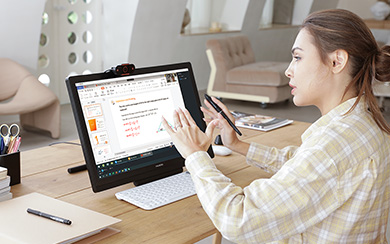
Office Professionals: Compatible with Windows Ink and PDF annotation tools for note-taking and presentations.
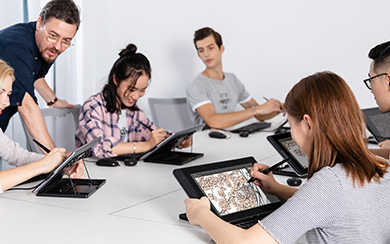
Educators/Students: Budget-friendly yet robust enough for design courses or remote learning.
Beginner-Friendly: Intuitive drivers and plug-and-play setup lower the learning curve.
Gamers: Customizable buttons enhance gameplay controls in titles like Osus! or Minecraft.
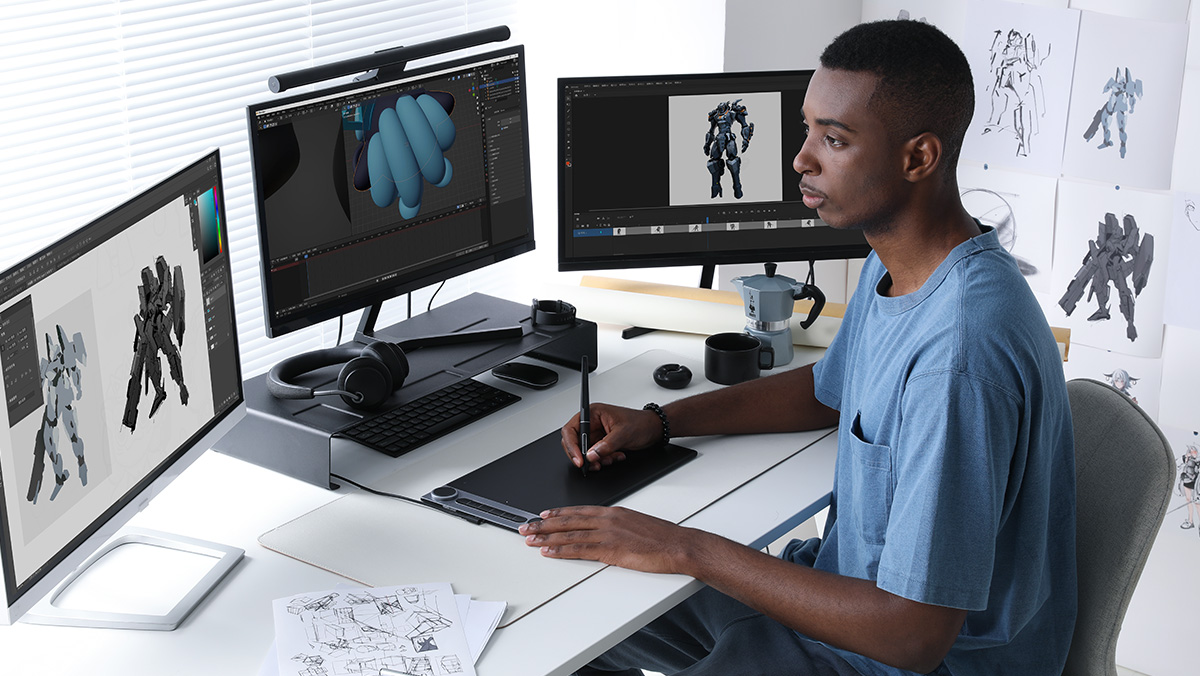
Category
Details
Active Area | 10 x 6.25 inches (254 x 159mm) |
Resolution | 5080 LPI (Lines Per Inch) |
Pressure Sensitivity | 8,192 levels with ±60° tilt recognition |
Report Rate | 266 PPS (Points Per Second) |
Pen Technology | Battery-free PW517 stylus with 2 programmable buttons |
Connectivity | USB-C, Bluetooth 5.0 (30-hour battery life), 2.4GHz wireless dongle |
Compatibility | Windows 7+, macOS 10.12+, Android 6.0+, Chrome OS |
Shortcuts | 8 express keys + 1 touch ring |
Accessories | Pen, USB-C cable, glove, nibs (x10), wireless receiver, quick start guide |
Wired (USB-C): Ensures zero latency for critical tasks.
Wireless Freedom: Bluetooth 5.0 and a 2.4GHz dongle provide stable connectivity up to 10 meters.
Battery-Free Stylus: The PW517 pen requires no charging, with 8,192 pressure levels and tilt support for dynamic brush strokes.
Nib Resistance: The textured surface provides 6,000+ hours of nib durability.
Driver Software: Huion’s Kamvas app allows per-application shortcut profiles (e.g., Photoshop vs. Clip Studio).
OS Compatibility: Works with Android smartphones for on-the-go sketching (via USB-C).
Touch Ring: Adjust brush size, zoom, or canvas rotation with a finger swipe.
Multi-Touch Gestures: Optional two-finger gestures (pinch-to-zoom, pan) mimic touchpad controls.
Anti-Glare Screen: Reduces blue light emission by 30% compared to standard tablets.
Matte Film Layer: Minimizes reflections under bright studio lighting.
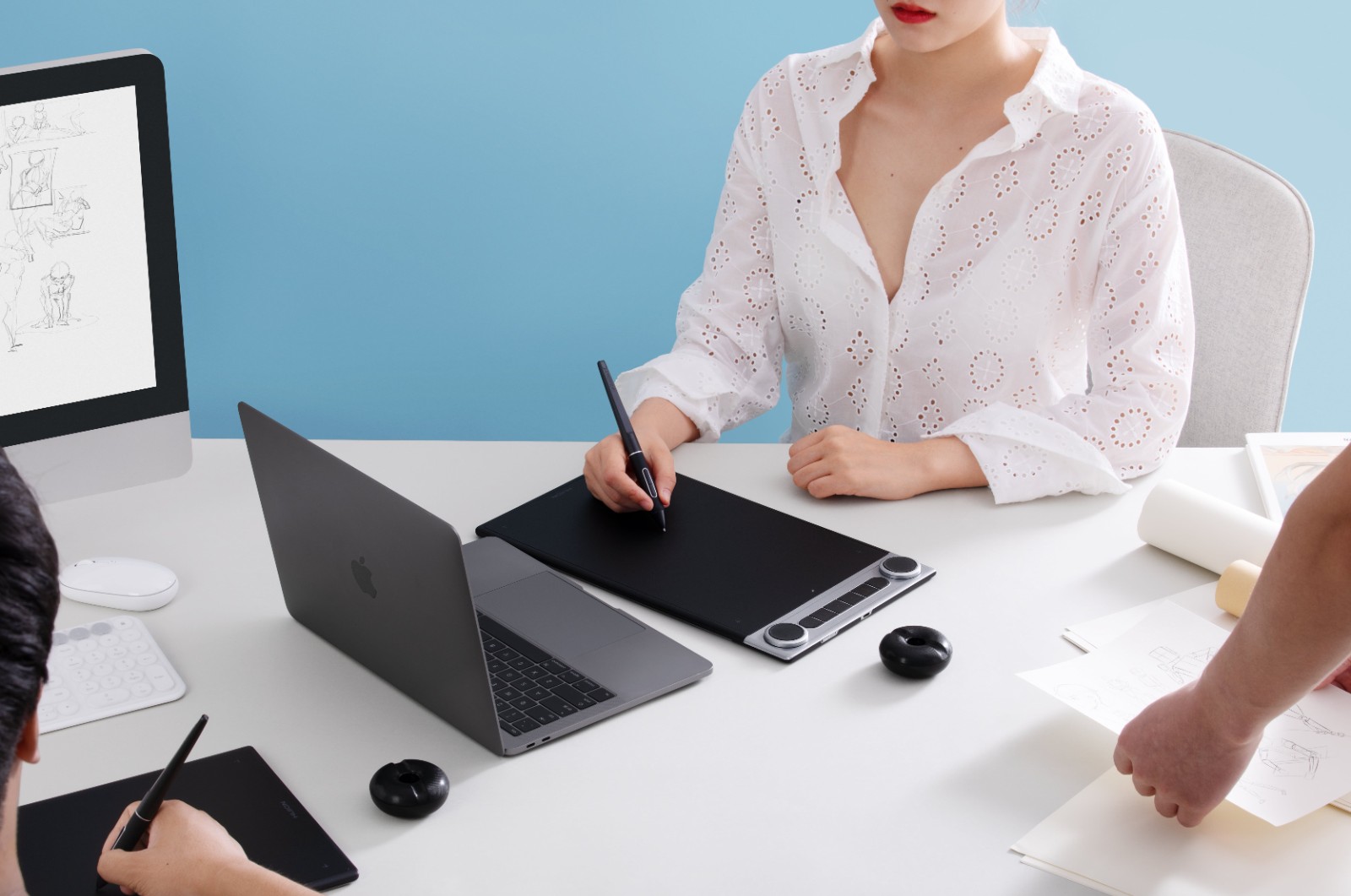
The Huion Q630M strikes a rare balance between affordability and professional performance. Its hybrid connectivity, ergonomic design, and robust software integration make it a top contender for creatives seeking a premium experience without the premium price tag. Whether you’re a seasoned artist or a hobbyist, the Q630M adapts to your workflow—not the other way around.