 2023-11-21 09:36:37
 163
163
In the realm of digital art and design, the tools used can significantly impact the quality and efficiency of work. Two popular options are the traditional mouse and the more advanced pen display. While both tools have their advantages and disadvantages, understanding the differences between them can help you make the best decision for your needs.
The computer mouse has been a staple of digital design since the 1980s. It’s a simple and intuitive tool that most people are already familiar with. With the mouse, you can click, drag, and drop objects on your computer screen, making it ideal for tasks like web browsing, document editing, and basic graphic design.
One of the main advantages of the mouse is its affordability. You can buy a high-quality mouse for a fraction of the cost of a pen display. Additionally, mice are widely available and compatible with virtually every computer, making them a convenient choice for people who use multiple devices.
However, the mouse does have some limitations. For example, it’s not ideal for tasks that require precision, such as drawing or painting. With a mouse, it can be difficult to create smooth, flowing lines, and you may need to spend more time editing your work to achieve the desired result. Additionally, using a mouse for extended periods of time can lead to hand and wrist fatigue, making it uncomfortable for some people to use for long periods.
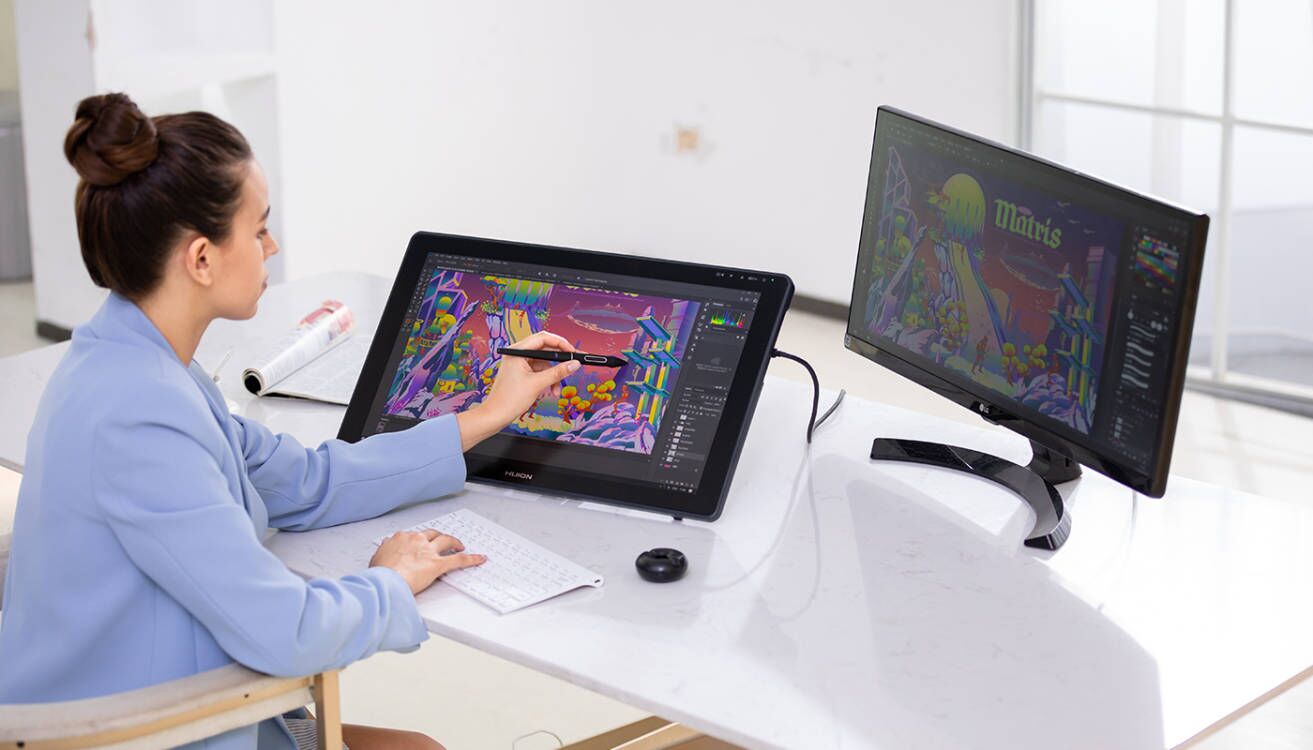
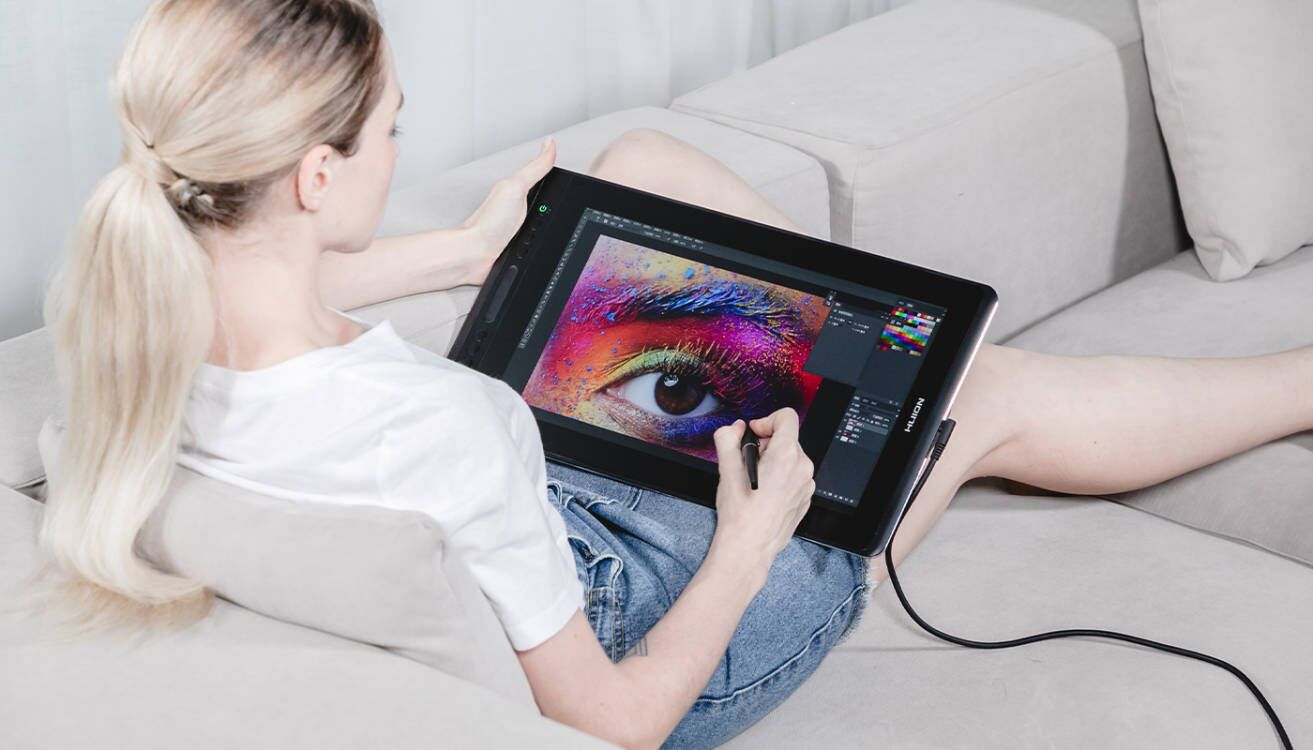
In recent years, pen displays have become an increasingly popular tool for digital artists, designers, and photographers. A pen display is essentially a computer monitor that you can draw on using a stylus pen. This allows you to create digital art and designs with the same level of precision and control as you would with traditional pen and paper.
One of the biggest advantages of a pen display is its high level of precision. With a stylus pen, you can create detailed, intricate designs with ease. Additionally, because you’re drawing directly on the screen, you can see exactly where your pen is going, allowing you to create more natural-looking lines and shapes. You can use pen pressure sensitivity to make detailed drawings and editing more effortless.
Another benefit of the pen display is its ergonomic design. Because you’re drawing on the screen, you can maintain a more natural posture and hand position, which can help reduce hand and wrist fatigue. This is especially important for artists, designers, and photographers working long hours on their projects.
However, there are some downsides to using a pen display. For one, they can be more expensive than a mouse. Some high-quality pen displays have previously cost thousands of dollars, making them out of reach for many people. But thankfully there is now a much cheaper alternative that works like a dream.
While both the mouse and the pen display have their unique advantages and disadvantages, the choice between the two often comes down to the specific needs and preferences of the user. If you’re on a tight budget or primarily work with text-based documents, a mouse may be the better choice. A mouse is a simple and affordable tool that can handle most basic digital tasks with ease. On the other hand, if you’re a digital artist, designer, or photographer who values precision and control, a pen display may be the better choice.