 2023-12-01 11:46:27
 93
93
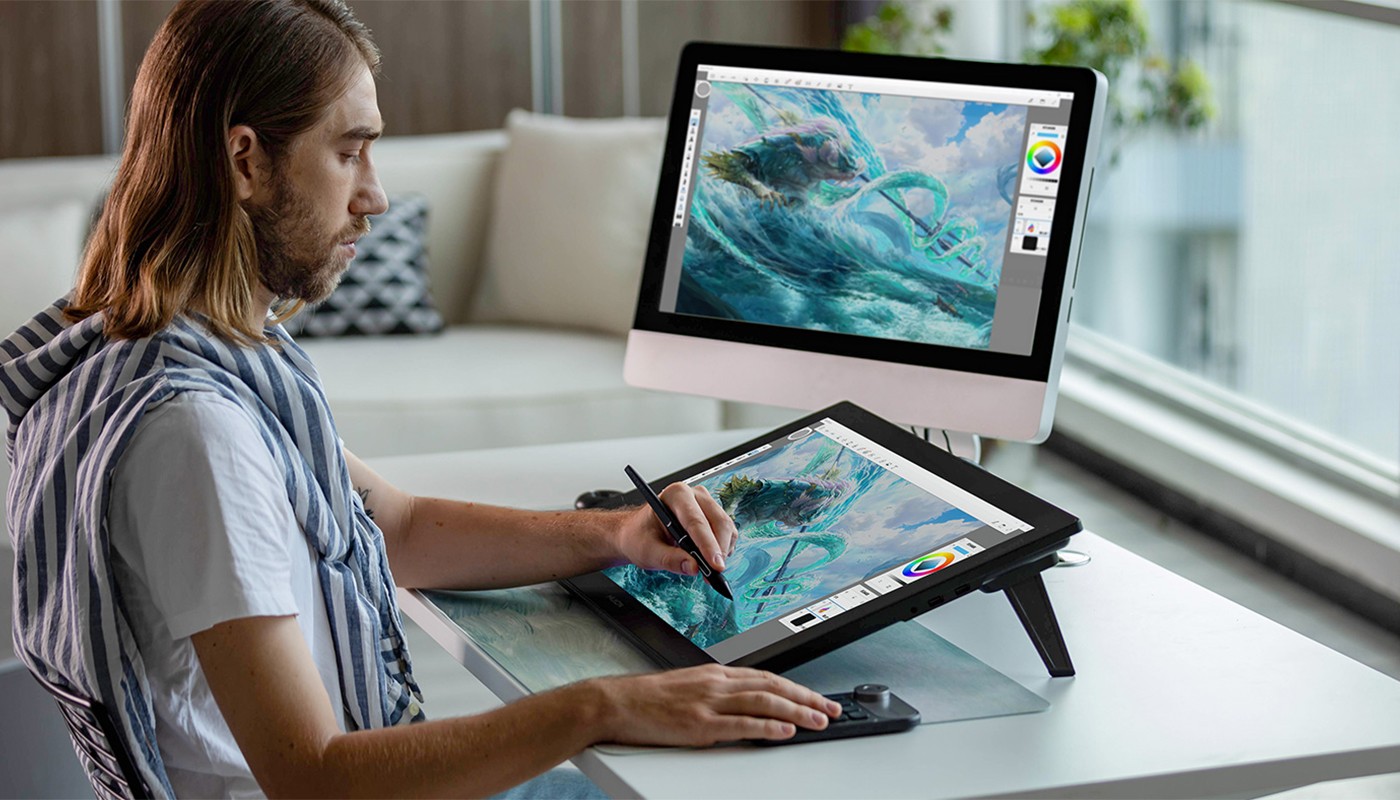
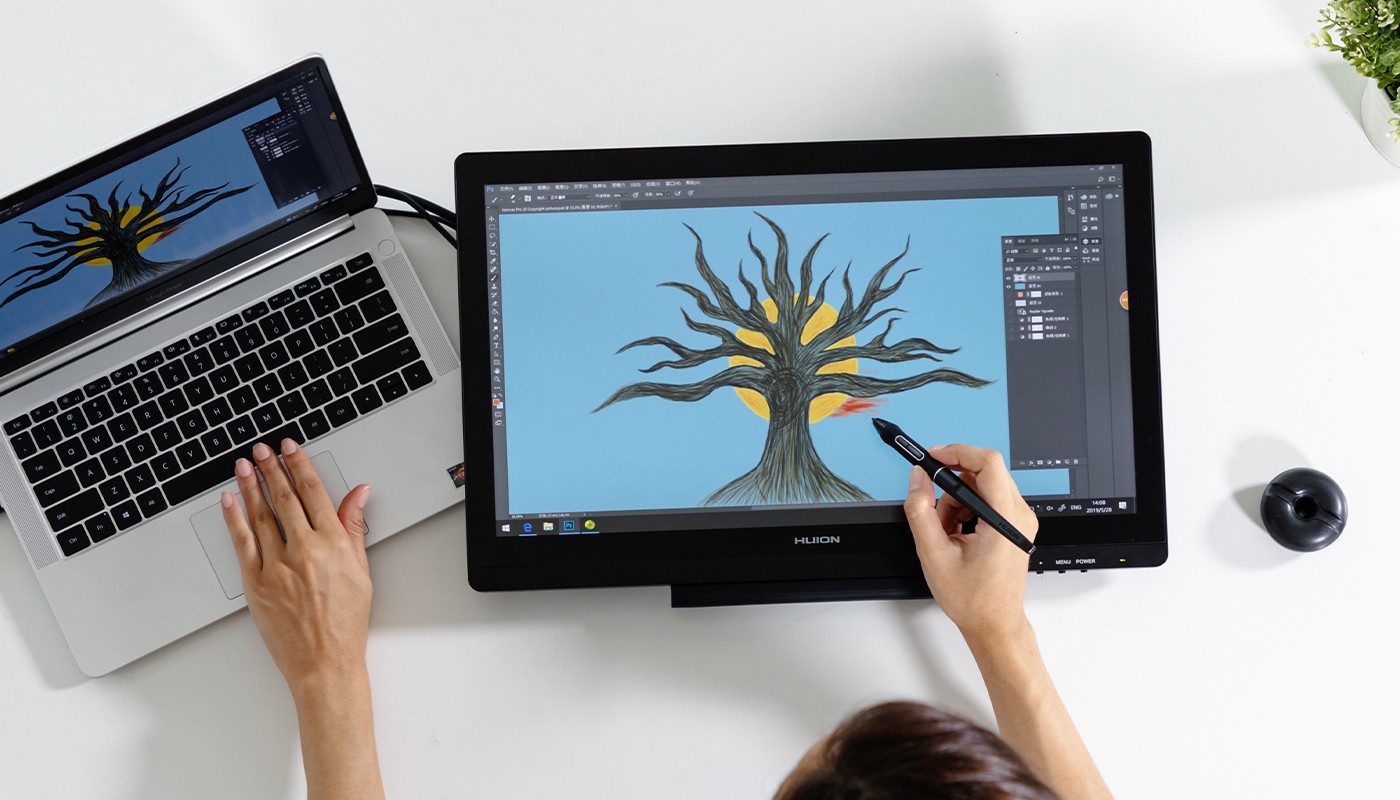
One of the main advantages of using a pen display is the enhanced precision and control it offers. When you draw or write on a pen display, the stylus acts as an extension of your hand, much like a traditional pen or pencil. This allows for fine-tuned movements and a high degree of control that’s hard to achieve with a mouse or track pad.
For tasks that require precision, such as digital painting, graphic design, or photo retouching, this level of control is crucial. It allows artists to make subtle adjustments to their work with ease. For example, varying the pressure of the stylus can change the thickness of a line in a digital painting, giving the artist a level of control similar to traditional painting.
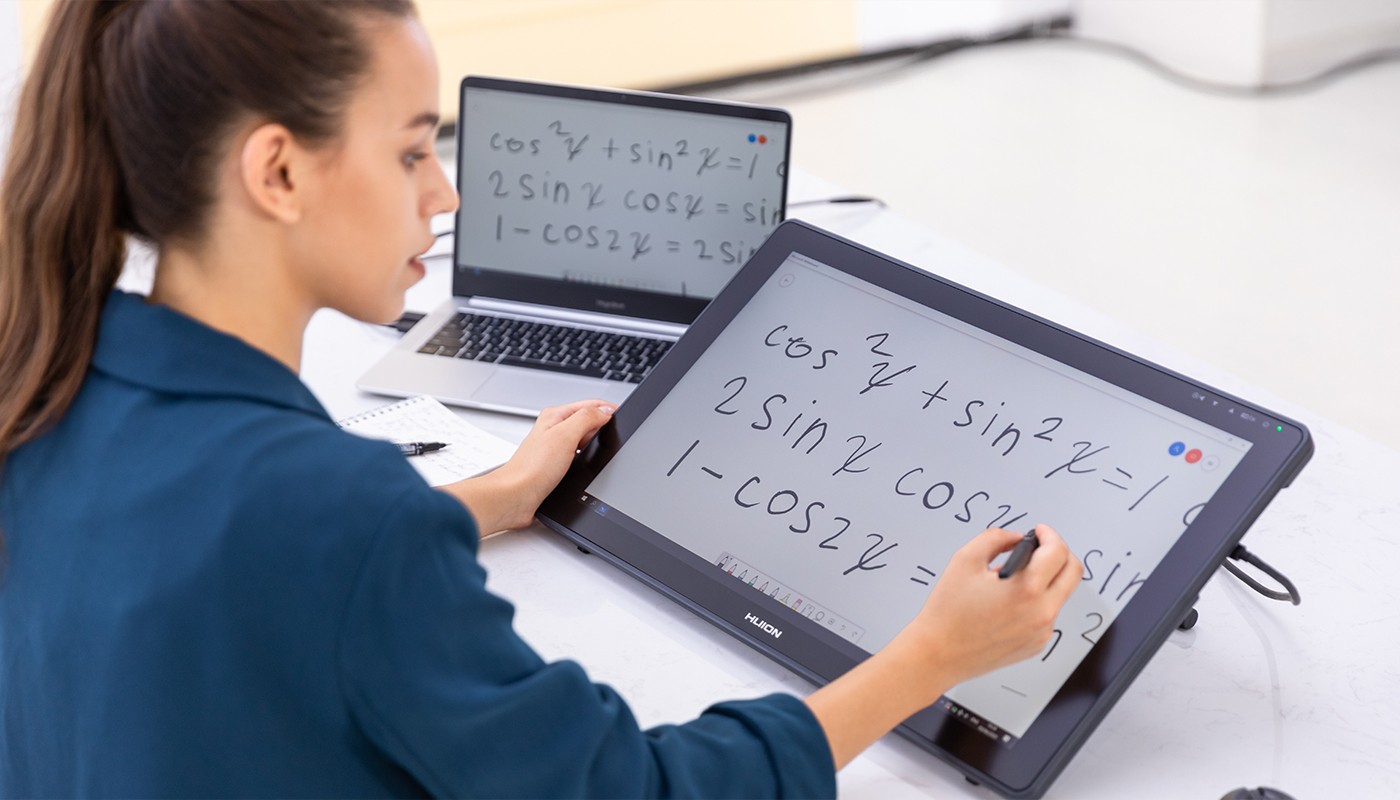
Pen displays can significantly increase efficiency and productivity. The direct interaction between the stylus and the screen makes the workflow more seamless and intuitive, reducing the time it takes to complete tasks. For instance, in graphic design, designers can use the stylus to directly manipulate design elements, eliminating the need to constantly switch between the mouse and keyboard.
Moreover, many pen displays come with customizable buttons that can be programmed for specific functions or shortcuts, further speeding up the workflow. For example, a designer can program a button to quickly switch between tools in a design software, saving valuable time.
Using a pen display can also offer ergonomic benefits. The natural position of holding a pen can reduce strain on the hand and wrist compared to using a mouse or trackpad. This can be particularly beneficial for individuals who spend long hours working on digital projects.
Furthermore, some pen displays are adjustable, allowing users to position them at an angle that’s comfortable for them. This can help prevent issues like back and neck strain that can arise from hunching over a desk.
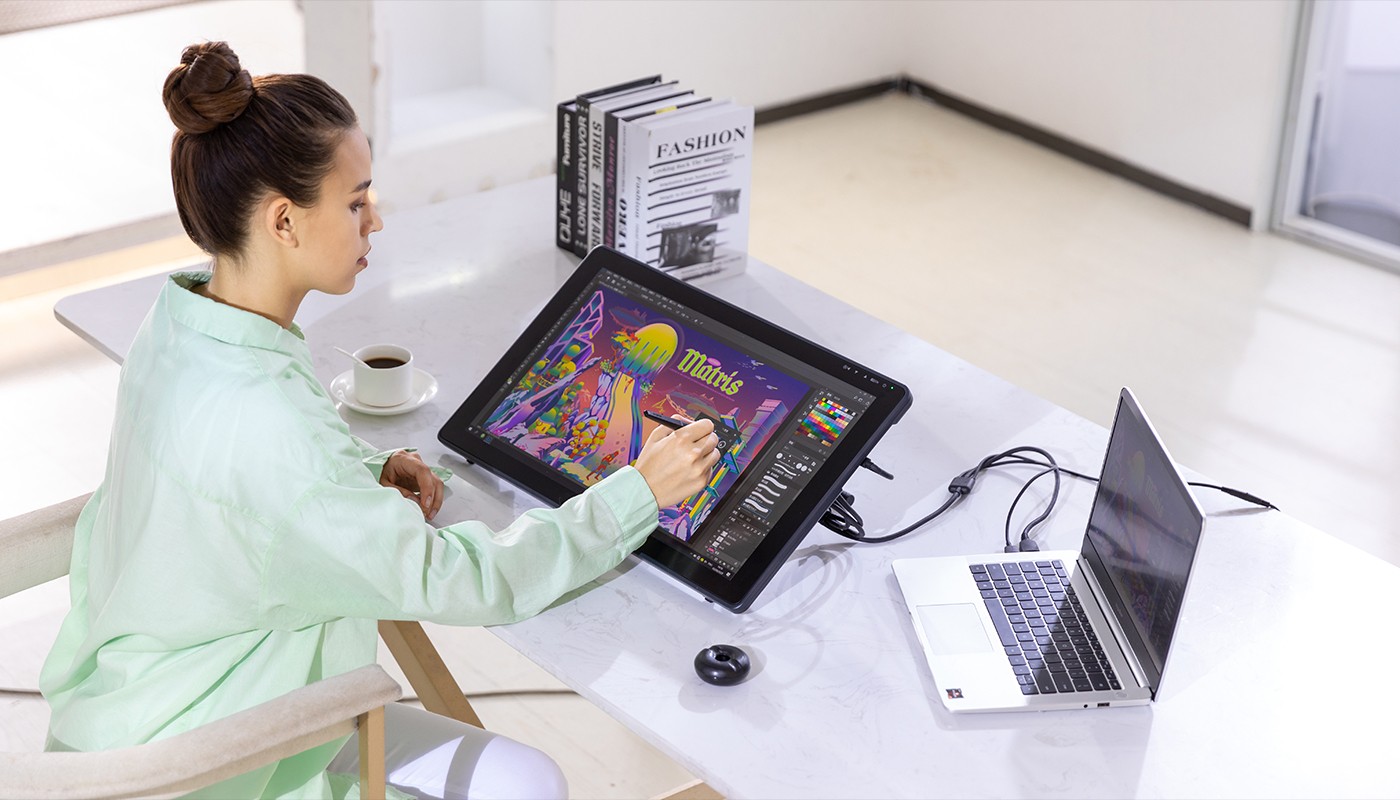
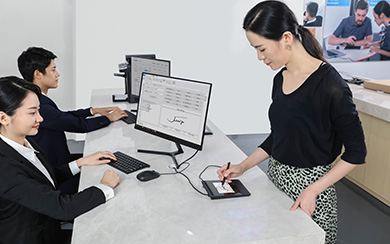
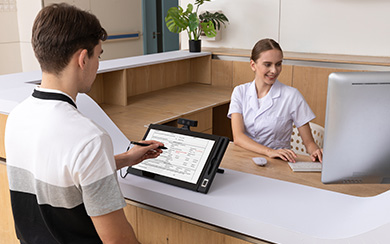
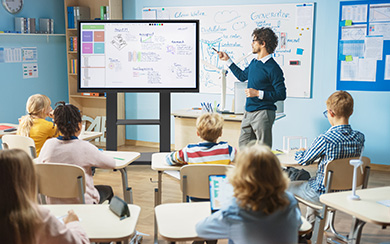
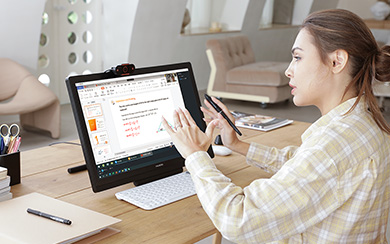
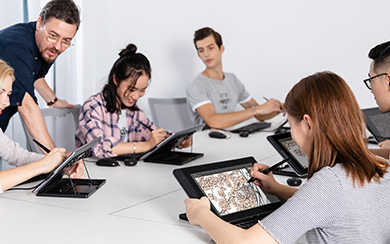
Pen displays are incredibly versatile and flexible, making them suitable for a wide range of applications. They are not just for artists and designers. Educators can use them to explain concepts more visually during online teaching. Architects and engineers can use them for drafting and 3D modeling. Even medical professionals can use them for tasks like reviewing medical imaging.
The flexibility of pen displays also extends to software compatibility. Most pen displays are compatible with a wide range of software, from graphic design tools like Adobe Photoshop and Illustrator, to 3D modeling software like AutoCAD and ZBrush, to note-taking apps like OneNote and Evernote.
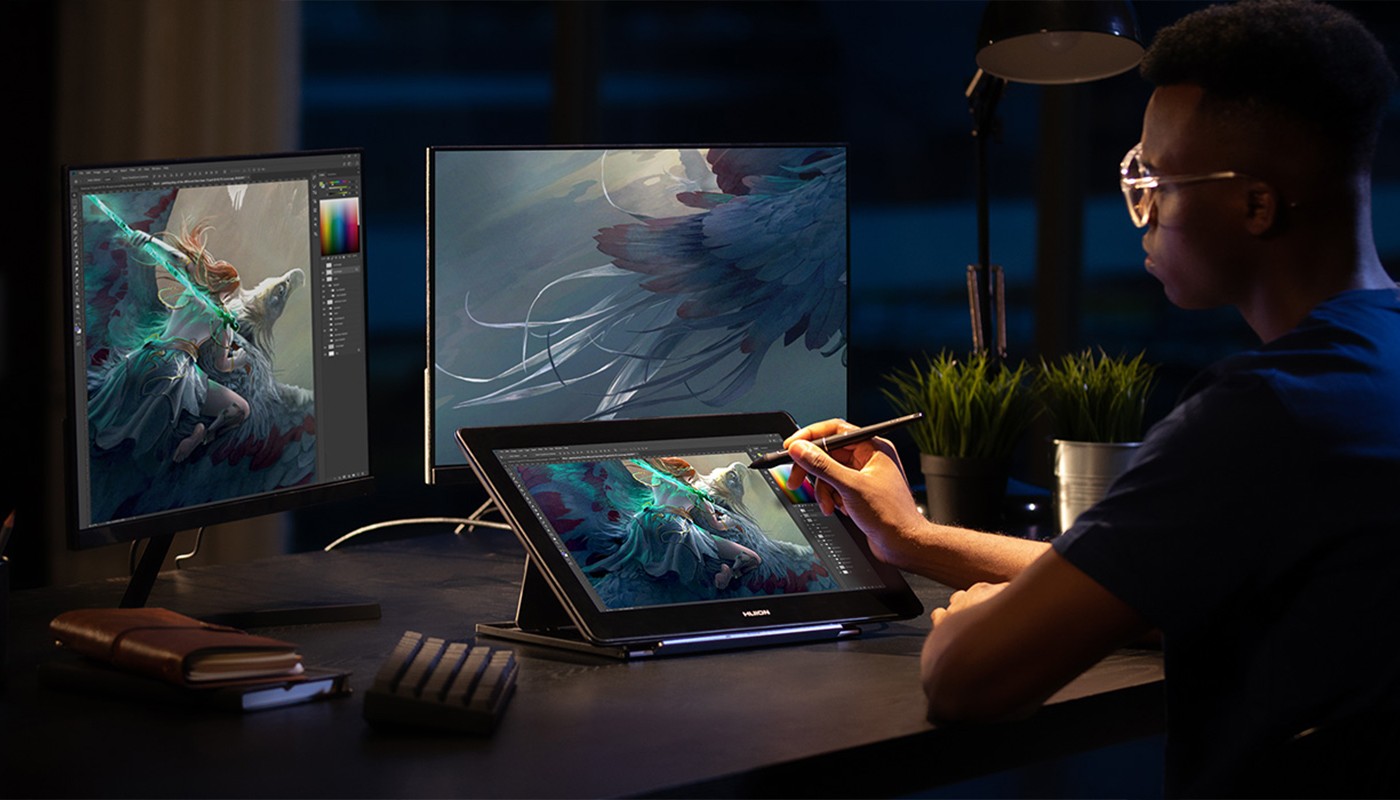
Lastly, pen displays offer an immersive and interactive experience that can enhance creativity and design processes. Drawing directly on the screen makes the process more engaging and can help artists get ‘in the zone’. This can lead to more creative and inspired work.
Moreover, the interactive nature of pen displays can make learning new software or techniques more enjoyable and intuitive. This is particularly beneficial for beginners who are just starting their digital art journey.
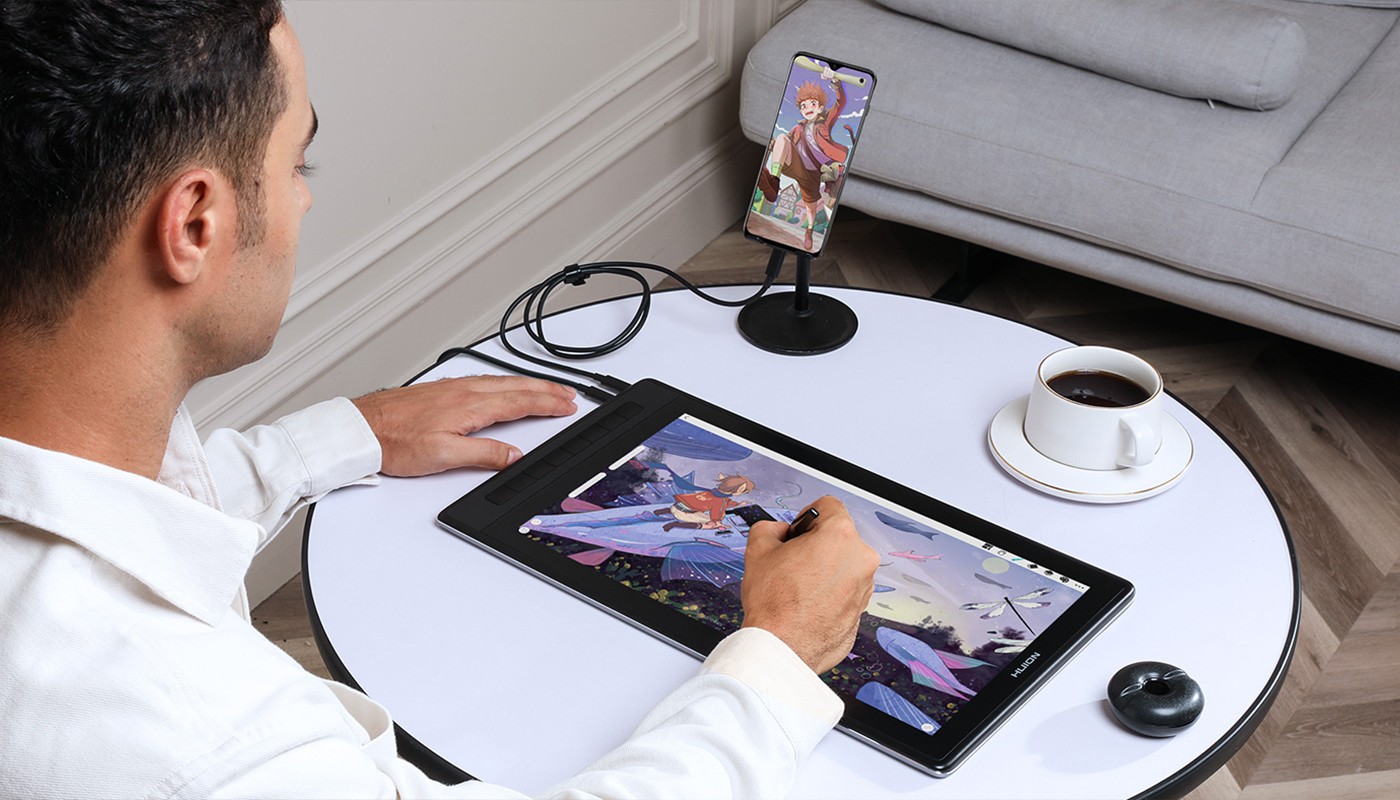
In conclusion, pen displays offer numerous advantages including enhanced precision and control, increased efficiency and productivity, improved ergonomics, versatility and flexibility, and an immersive and interactive experience. As technology continues to advance, it’s exciting to think about what the future holds for pen displays.